

Free
Trying it out
3min
one time
FreeTo get started
GifChat watermark
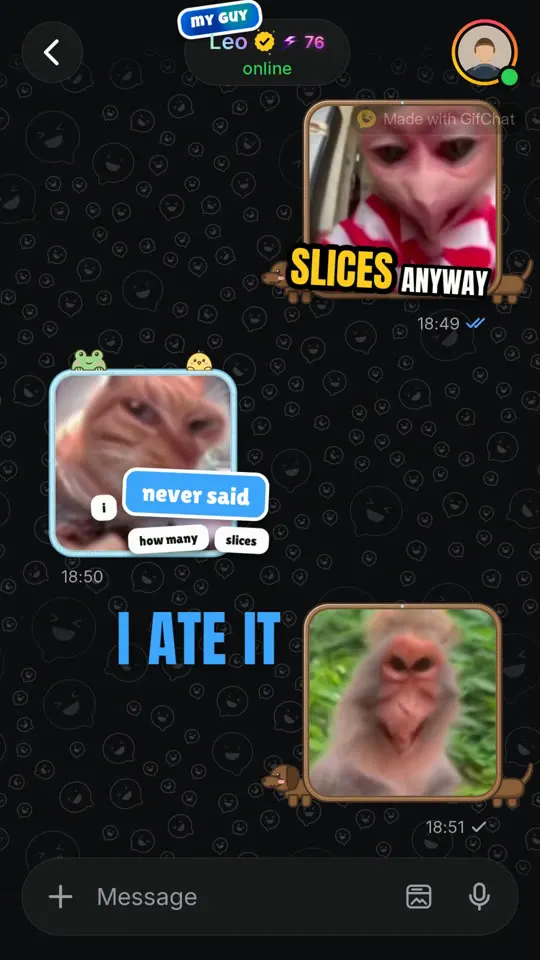
Describe a scenario in one line. GifChat writes the conversation, picks a GIF reaction for every message, reads it in two AI voices, and mixes in sound effects and music.
One tap, thenAI writes it, voices it, adds the GIFs.
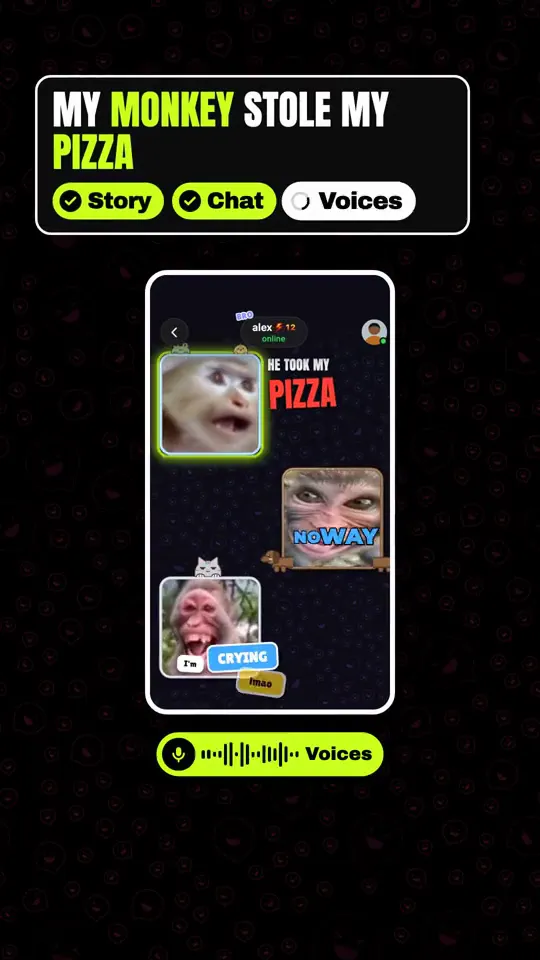
Talk to the AI like a friend, keep its picks or change them, and get a vertical MP4 with everything mixed in.
Type one line.
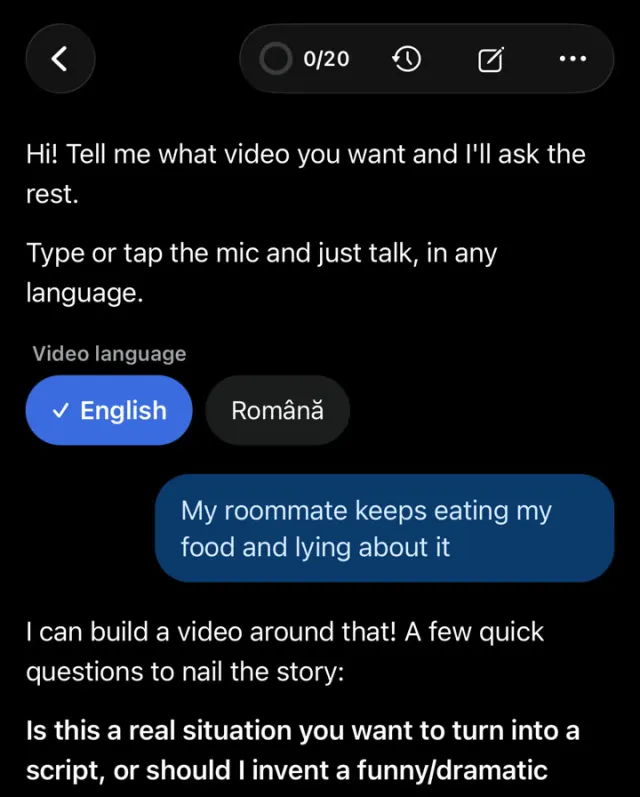
One line about the situation, or paste your own script. Type it or just talk, in any language.
Pick a style.
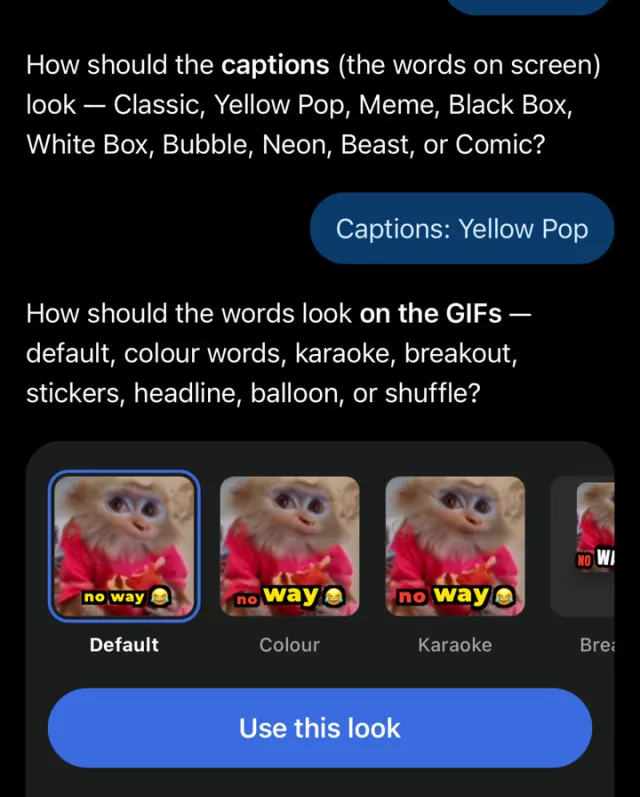
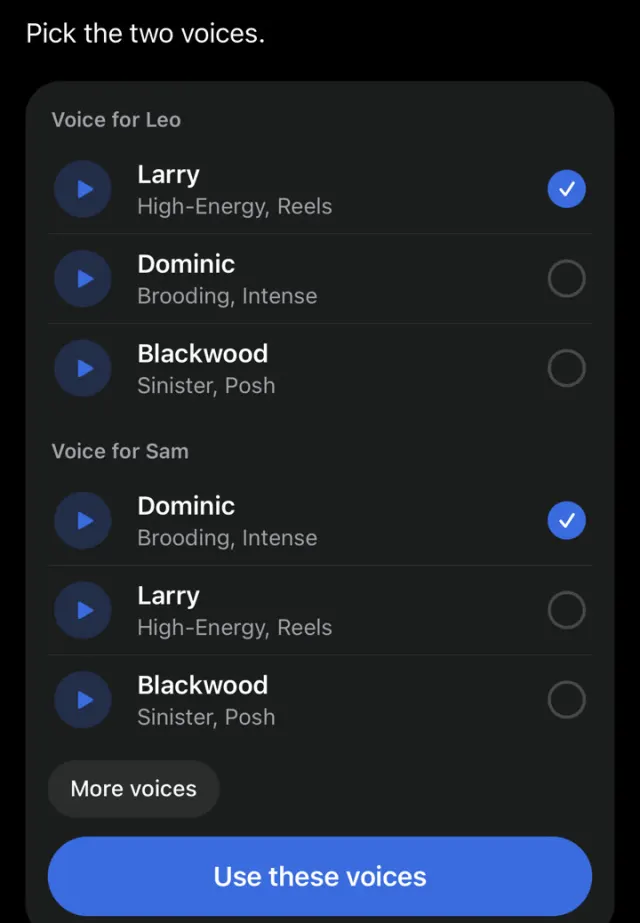
Two voices, GIF packs, caption look and background. Or keep the defaults the AI chose.
Post.
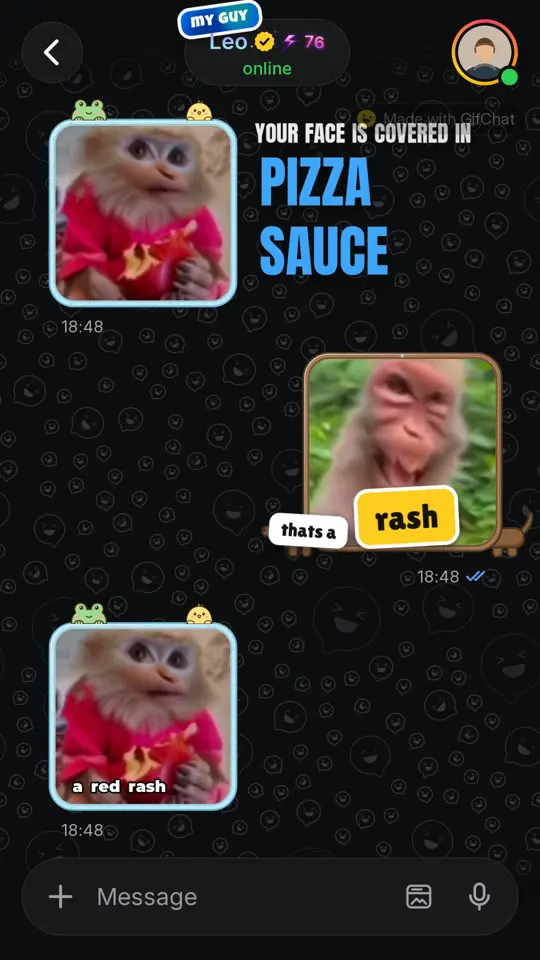
Download a vertical MP4 with voices, GIFs, sound effects and music mixed in.
Reactions are picked per message from a tagged library, so they answer the line they sit next to. Turn on the packs you like and the AI uses them.
Per messageThe GIF answers the line next to it.
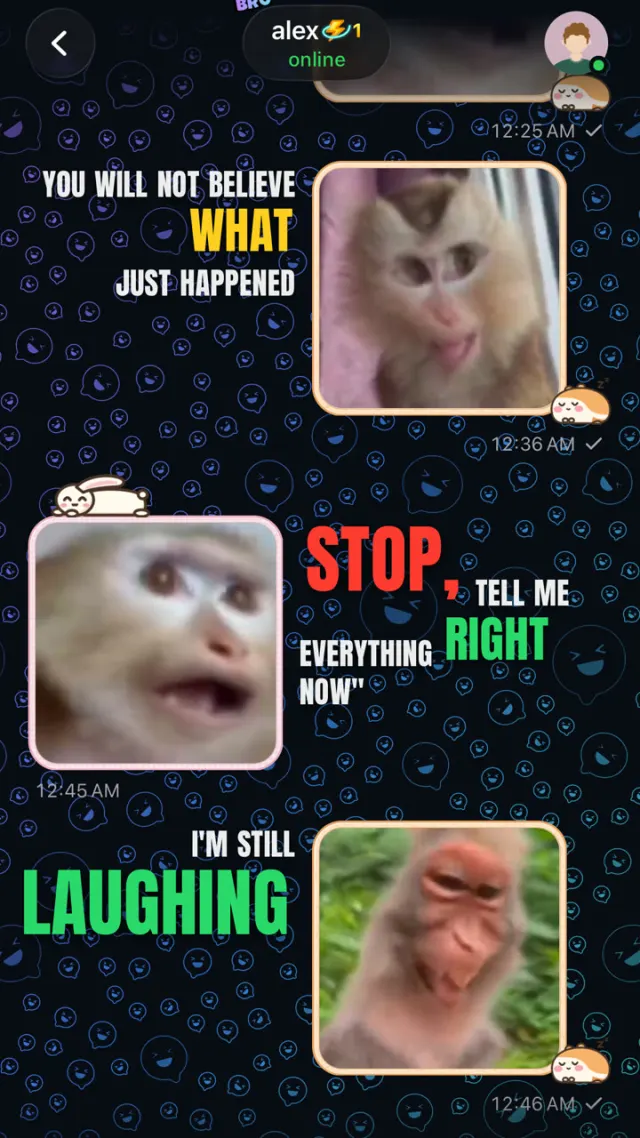
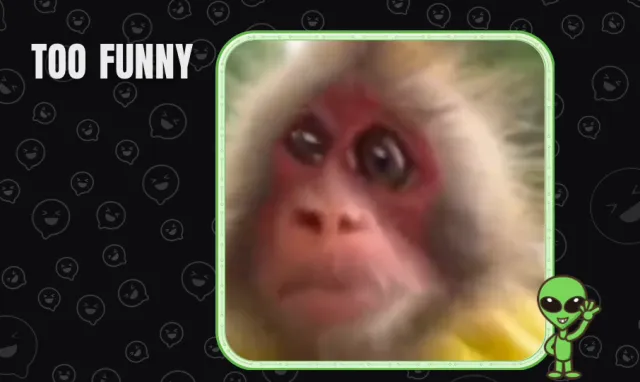
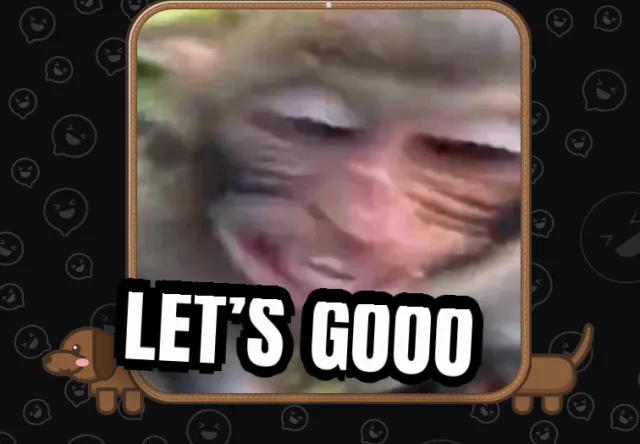


Each message is read with a delivery the AI picks from the script, so anger sounds like anger and a punchline lands like one. Videos come out in English or Romanian.
Captions tooPick the look. The words land with the voice.
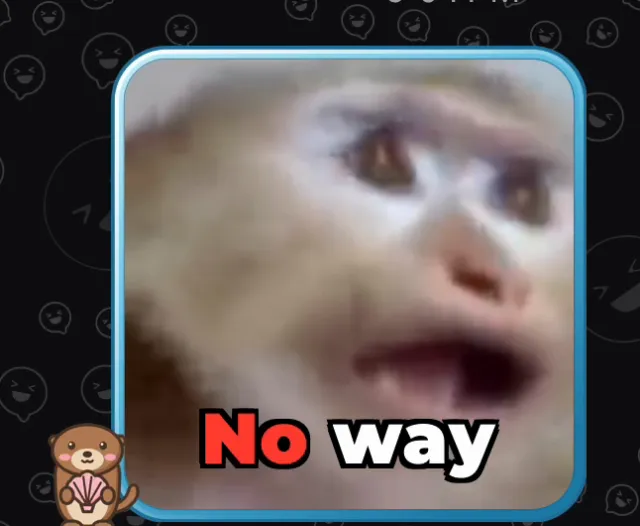
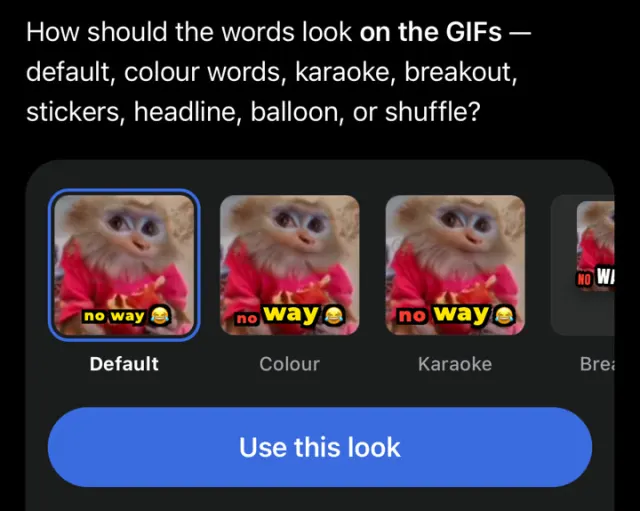

Say what happened. The AI writes the caption and picks the GIF. Keep it, ask for a funnier take, or post it to the For You feed.
One tap, thenAI writes the caption, picks the GIF.



gifchat.app/studio makes the same videos as the app, with the same “Make it with AI” assistant. Sign in with your GifChat account and your plan and minutes come with you. Renders keep going if you close the tab.
Laptop, iPad or phonePick up where the app left off.
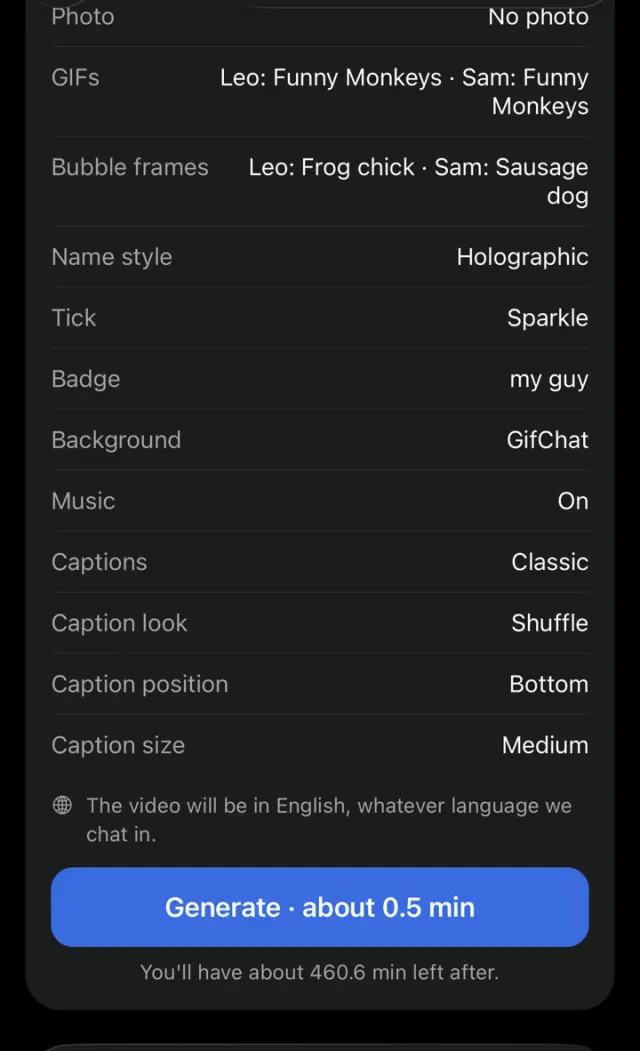

Minutes are what you spend: a 30-second video uses half a minute. Start with 3 free minutes, one time.
Trying it out
3min
one time
FreeTo get started
GifChat watermark
Testing the format
20min
every month
$19.99 a monthor $199.99 a year
GifChat watermark
Posting most days
65min
every month
$49.99 a monthor $499.99 a year
Remove the watermark
Running several accounts
200min
every month
$99.99 a monthor $999.99 a year
Remove the watermark
Bought in the iPhone appPlans are bought in GifChat on iPhone. The website has no checkout; your plan works here once you sign in.
See all plansYes. Every new account gets 3 free minutes of video, once. They are not a monthly allowance and they do not reset, so use them on something you actually want to post.
By the length of the finished video, not by how long it takes to make. A 30-second video uses half a minute of your allowance. Failed generations are not charged.
In the GifChat iPhone app. Plans are App Store subscriptions: Starter 20 minutes a month for $19.99, Creator 65 minutes for $49.99, Pro 200 minutes for $99.99, or pay yearly ($199.99, $499.99, $999.99) and get about two months free. The website does not sell plans.
Yes, it is the same account and the same minutes. Sign in on the web with the account you made in the app and your plan is already there. Changes and cancellations happen in the App Store.
No. Create your account in the GifChat iPhone app, then sign in here with the same email and password.
Yes. You own the videos you generate and can post or monetise them. You are responsible for what you make, so do not impersonate real people or use someone's likeness without permission.
On your iPhone, open Settings, tap your name, then Subscriptions, then GifChat. Cancelling stops the next charge and you keep your minutes until the period ends.
Plans are paid through Apple, so refunds are requested from Apple at reportaproblem.apple.com. If something on our side went wrong, email support too and we will help.
More than 20 AI voices, male and female, with different accents. Each message is read with an emotion the AI picks from the script, so delivery changes with the story.
A clean default, three gameplay split-screens including Minecraft parkour and Subway Surfers, or your own video or image up to 30MB.
30 seconds, 1 minute or 2 minutes. Pasted scripts run as long as the script needs.
A vertical 1080x1920 MP4 at 25fps, ready for TikTok, Reels and Shorts, with the voices, sound effects and music already mixed in.
Usually two to five minutes. You can close the tab; the video appears in your history when it is done.
